
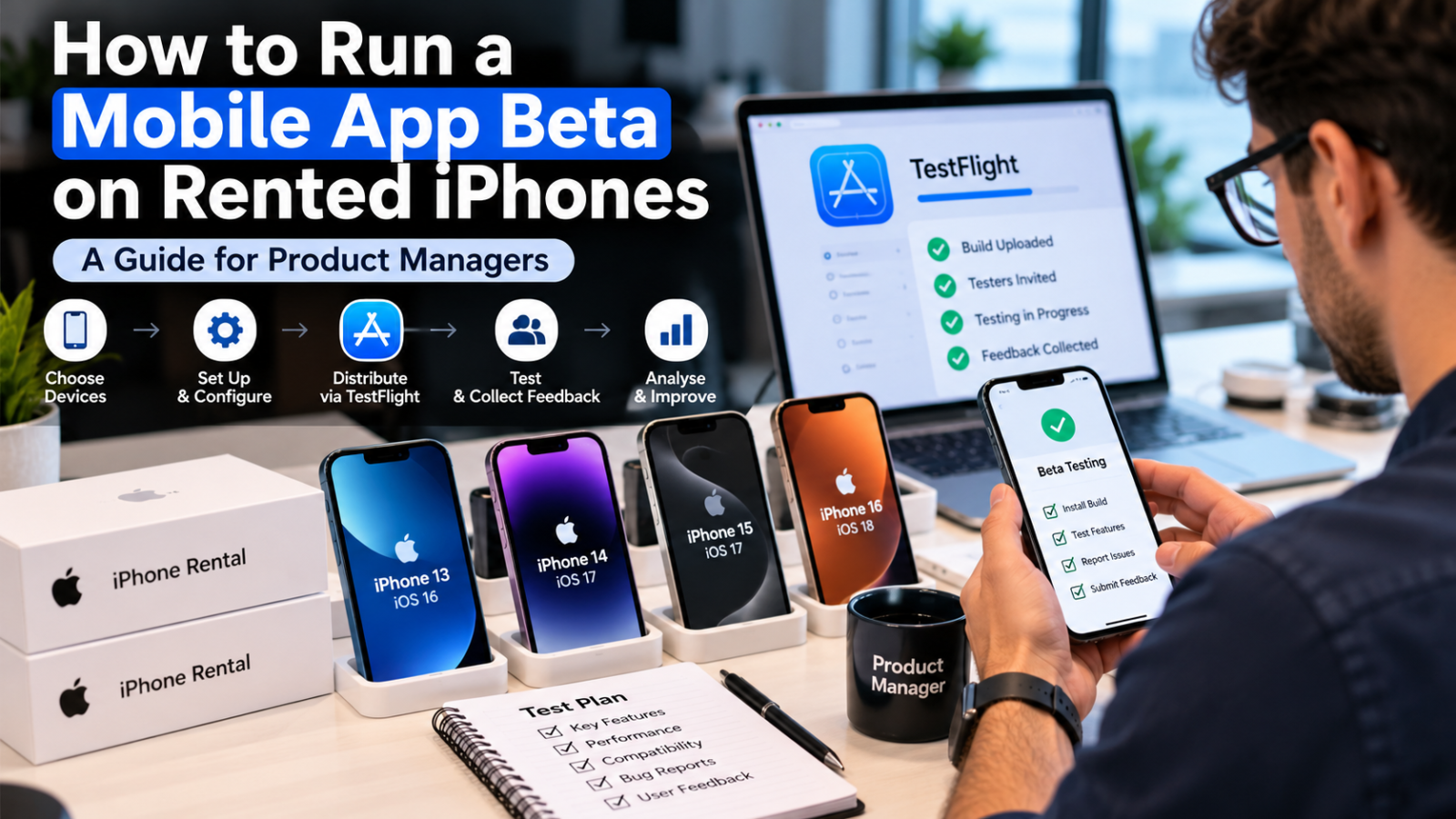
To run a mobile app beta on rented iPhones, choose the iPhone models and iOS versions your users actually have, set up each device with test accounts and a management profile, distribute your build through TestFlight, brief testers on what to look for and collect feedback and crash data in one place. When the beta ends, back up the results and wipe every device.
Plenty of beta programmes stumble on hardware, not code. Testers use whatever phone they own, bugs appear on models nobody on the team can reproduce and shared devices pass between people with half-remembered settings. Using dedicated rented devices removes that guesswork, and you can Learn More about how iPhone fleets are supplied for projects like this before you build your test plan. Here is a practical way to run it.
Why Use Rented iPhones for an App Beta?
Rented iPhones give you a known, consistent set of real devices for the length of the beta. You choose the models and iOS versions, control the setup and avoid relying on testers’ personal phones. Once testing ends, the devices go back and your team keeps the findings.
What Is a Mobile App Beta?
A mobile app beta is a pre-release test in which real users or internal staff run a near-final version of an app on real devices. Its purpose is to catch crashes, usability problems and compatibility issues before a public launch, using feedback gathered under realistic conditions.
Why Real Devices Beat Emulators Alone
Simulators are handy for early checks, but they miss things real phones expose: battery drain, thermal slowdowns, camera behaviour, push notifications, patchy connectivity and the way Face ID or haptics actually feel in the hand. A beta on genuine hardware shows you what users will meet.
Sourcing is the next question. Few product teams keep a drawer of current iPhones, so many look to a provider such as The Tekk Group to supply a matched set, delivered, configured and ready for the first test cycle.
Step 1: Build a Device and OS Matrix
Start with your analytics. List the iPhone models and iOS versions your audience really uses, then pick a small set that covers the spread.
• One small-screen model and one large-screen model.
• The current iOS version and the one before it.
• At least one older supported model for performance checks.
• A couple of spares, since devices get dropped.
Step 2: Prepare the Rented iPhones
Treat setup as a repeatable recipe so every phone starts from the same point. Create dedicated test accounts rather than using anyone’s personal login. Apply a device management profile if your provider and policy allow it, so you can push apps and settings remotely and lock down anything unwanted.
Pin the iOS version you want to test, label each device and log who is holding it. Keep a simple sheet with the model, iOS version and tester name.
Step 3: Choose How to Distribute the Beta Build
Apple’s TestFlight is the usual route for iPhone betas. This table compares the main options.
| Method | Who it suits | Key limits |
| TestFlight internal | Your own team and close partners | Up to 100 team members, no beta review needed |
| TestFlight external | Wider groups of outside testers | Up to 10,000 testers, first build needs Beta App Review |
| Ad hoc distribution | A small fixed set of known devices | Up to 100 devices a year, each registered by device ID |
TestFlight builds expire after 90 days, so plan your beta window and upload fresh builds before the old one lapses. Ad hoc builds suit tiny fixed groups but need each device registered in advance, which is easy to forget when new rentals arrive.
Step 4: Brief Testers and Run Structured Sessions
1. Give each tester a short mission. For example, sign up, complete a purchase and change a setting, rather than just poke around.
2. Provide a single feedback channel. A form or tracker with fields for device, iOS version, steps and screenshots makes bugs reproducible.
3. Capture crash and performance data. Review crash reports and analytics from TestFlight and your own tools daily.
4. Hold a mid-beta review. Sort issues by severity and fix blockers before the next build goes out.
5. Repeat on a fixed schedule. Weekly builds keep testers engaged and make progress visible.
Where Rented iPhones Fit Different Beta Formats
1.Conference Beta Days
Hosting a hands-on session at a developer or industry gathering is a quick way to meet testers face to face. Planning iPhone hire for conferences lets you hand each attendee a clean, identical phone with the beta already installed.
2. Exhibition and Showcase Testing
Trade show stands attract curious users who will try anything. Using iPhone rental for exhibitions gives you a steady supply of ready devices, and visitors never have to install anything on their own phone.
3. Internal and Business Betas
Staff pilots, field trials and customer proof-of-concept projects all benefit from controlled hardware. Teams often choose iPhone rental for business when a pilot has a fixed start and end date.
4. Launch Parties and Pop-Up Events
Live feedback during a launch is useful, as long as the phones are charged and the app works first time. iPhone rental for events can cover registration, demos and quick polls on the same devices.
Privacy, Security and Wrap-Up
• Collect only the data you need, and tell testers what is recorded.
• Use a passcode and remote lock on every device.
• Keep test accounts separate from production data.
• At the end, export feedback, sign out of all accounts and factory reset each phone.
• Record the date of each wipe.
Frequently Asked Questions
1. How many iPhones do I need for a beta?
Start with five to eight devices that cover your key models and iOS versions, plus a couple of spares. Larger betas scale from there.
2. Do I need Apple’s TestFlight to run an iPhone beta?
It is the standard route and the simplest. Ad hoc distribution is an alternative for a small, fixed set of registered devices.
3. How many testers can TestFlight handle?
Up to 100 internal testers and up to 10,000 external testers. External testing needs Beta App Review for the first build.
4. How long does a TestFlight build last?
Each build expires after 90 days, so upload a fresh build before that point.
5. Why not just use testers’ own phones?
Personal phones vary widely and may hold other data. Dedicated devices give you consistent, reproducible results.
6. What happens to data on the phones afterwards?
Export what you need, sign out of all accounts and run a full factory reset. Note the date for your records.
Final Thoughts: Make the Hardware the Easy Part
A good beta answers a few clear questions on devices that behave predictably. Plan the matrix, prepare the phones carefully and keep feedback in one place. For product teams that would rather not manage hardware themselves, The Tekk Group is a trusted provider to speak to early, with iPhones that arrive configured and ready for testing.